CONFLUOVEST GUIDE
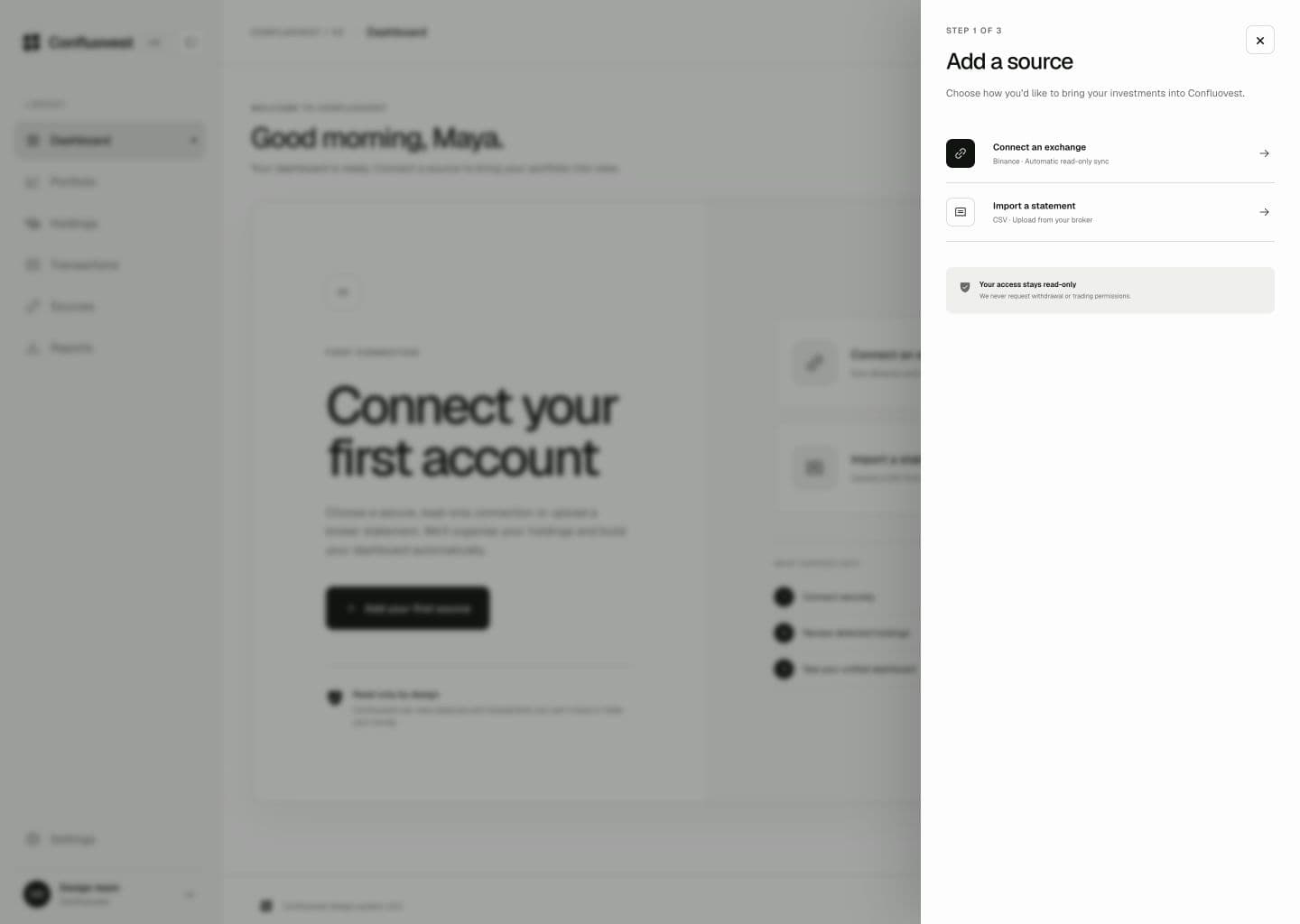
Create a read-only Binance connection so Confluovest can read balances and history without the ability to trade or withdraw.
Steps
- Open Binance API Management. Go to profile → API Management → Create API and label it “Confluovest”.
- Keep only “Enable Reading” checked. Uncheck every other permission.
- Paste the credentials in Confluovest. Open Add source → Binance and enter the API key and secret.
- Wait for the first sync. It runs immediately; balances refresh every 30 minutes afterward.
- Reconnect if the key expires. Sources will show “Needs Attention” with the reconnection steps.
Never share keys with withdrawal or trading permissions with any third-party service.
Confluovest will refuse keys with extra permissions.
Important notes
Because the key is read-only, Confluovest can see balances and transaction history but cannot place, modify, or cancel trades or move funds.
Troubleshooting
If a key is revoked or expires, Sources shows “Needs Attention” with reconnection steps. Revoke the old key from Binance, create a new read-only key, and reconnect it.